
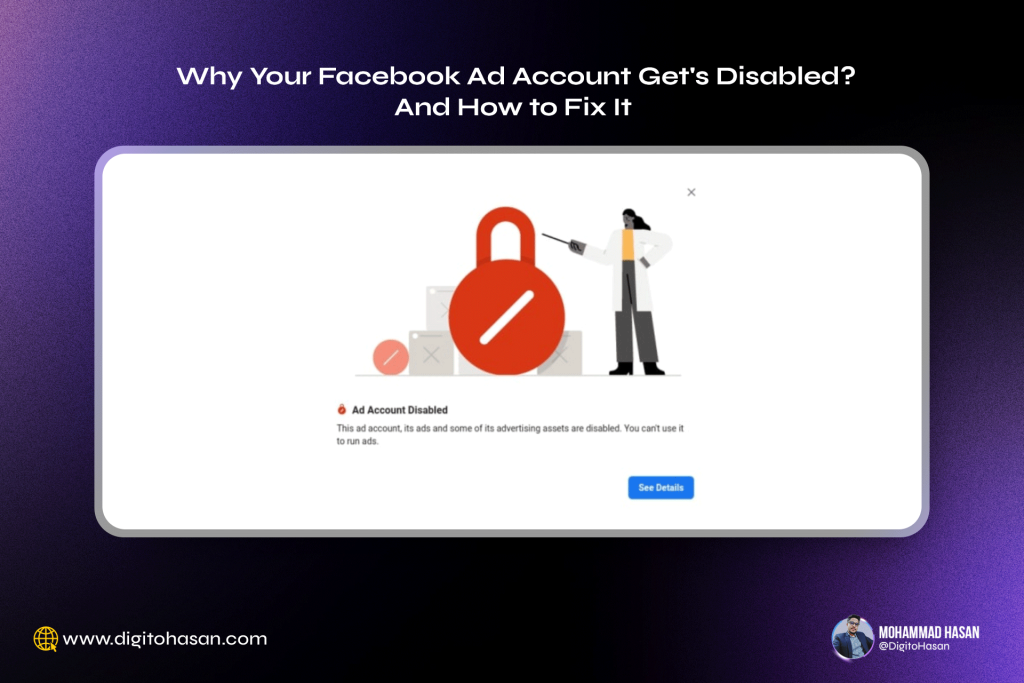

Facebook ad accounts! They seem so simple, yet getting one disabled can be a huge headache. Once disabled, Facebook tracks your IP address, making it incredibly
difficult to create a new one without it also being disabled. So, newcomers and business owners running their own ads need to be extra cautious. Otherwise, they’re in for a world of trouble!
If your Facebook ad account has been disabled, here are five main reasons why this might happen and how to fix it:
Reason 1: Suspicious Sales or Lead Generation Activities
Facebook may consider your account as spam if you’re aggressively pursuing direct sales or leads. To avoid this:
- Provide Meta with detailed information about your business
- Verify your Meta Business Account
- Submit necessary details like GST number and address
Verifying your business is crucial to prevent future account disabling.
Reason 2: Payment Method Issues
Your account may be flagged as suspicious if:
- You use multiple payment methods (UPI, credit card, debit card) in one ad manager account
- You use the same payment method across multiple ad manager accounts
Solution: Stick to one payment method per ad manager account.
Reason 3: VPN Usage
Using a VPN while accessing your ad manager can lead to account disabling. Facebook may view this as suspicious activity.
Reason 4: Multiple Access from Different Locations
If multiple people are accessing your business manager from different locations, it can trigger suspicion. Limit access to only essential team members.
Reason 5: Violating Facebook’s Advertising Policies
Common policy violations include:
- False claims in ads
- Mismatched ad content and landing page
- Using before/after images in beauty product ads
To avoid issues:
- Thoroughly read and follow Facebook’s advertising guidelines
- Ensure ad content matches your landing page
- Avoid making exaggerated or false claims
How to Retrieve a Disabled Account
If your account was disabled by mistake:
- Submit a review request form to Facebook
- Wait 7-10 days for a response
If you haven’t violated any policies, your account should be reinstated within this timeframe.
Pro Tip: When creating a new ad account, add yourself as an admin to maintain access in case of issues.
Remember, if you’ve genuinely violated Facebook’s policies, it may be impossible to recover your account.